MajiScan icon 码迹MajiScan
Offline decoding · No ads · No account · Nothing leaves your phone

Scan it. Then know what it is.

MajiScan is a scanner app that does one thing properly. It reads 23 barcode and QR symbologies in real time, works out what the code actually contains — links, Wi-Fi, contacts, calendars, waybills, boarding passes — and can generate QR codes and read text out of photos. All of it runs on your phone, and not a single scanned byte is uploaded.

23
symbologies supported
9
QR code templates
0
ads or in-app purchases
0
bytes of scan data uploaded
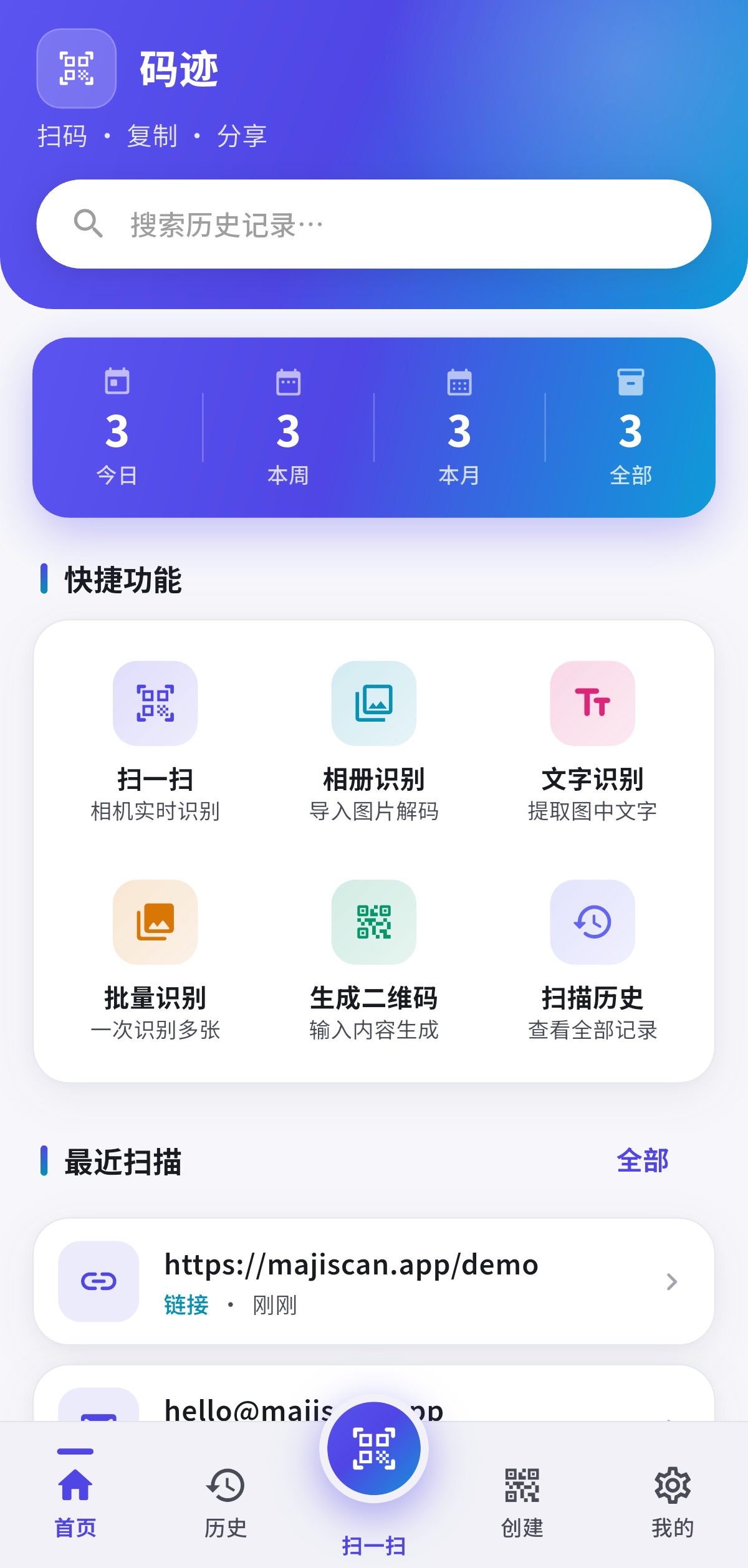
MajiScan home screen: search, stats, and shortcuts for scanning, photo decoding and OCR
Boarding pass parsedCA1503 · Seat 12A · Gate B7
One-tap Wi-FiSSID and password read out, hidden networks included
Features

From “scanned” to “usable”

What makes a scanner good is not how many symbologies it lists, but how much you still have to do by hand afterwards. MajiScan wires up copy, share, open, dial and Wi-Fi join for you.

Live scanning, two engines behind it

Point, and the result appears. Photo and batch decoding automatically run a second on-device engine, and a dedicated “Precision scan” mode hands the camera to that engine frame by frame for the codes the fast path cannot report. Both engines run locally — no network involved.

  • Live scanning of QR codes and mainstream 1D symbologies, plus batch decoding
  • Flashlight, front/back camera, pinch to zoom, continuous mode for bulk work
  • Haptic and beep feedback on success, one tap to copy everything
  • Camera turns itself off when idle, so it does not drain the battery
Offline On-device decoding No Google Play Services needed
It tells you what the code is

You get a usable action, not a wall of characters. Every type is checked against its own rules — check digits, digit counts, shapes — so a date is never mistaken for a phone number.

Links Wi-Fi Contacts Calendar Phone SMS Email ISBN Waybills Boarding passes Products (GS1) Coordinates Plain text

QR code generator

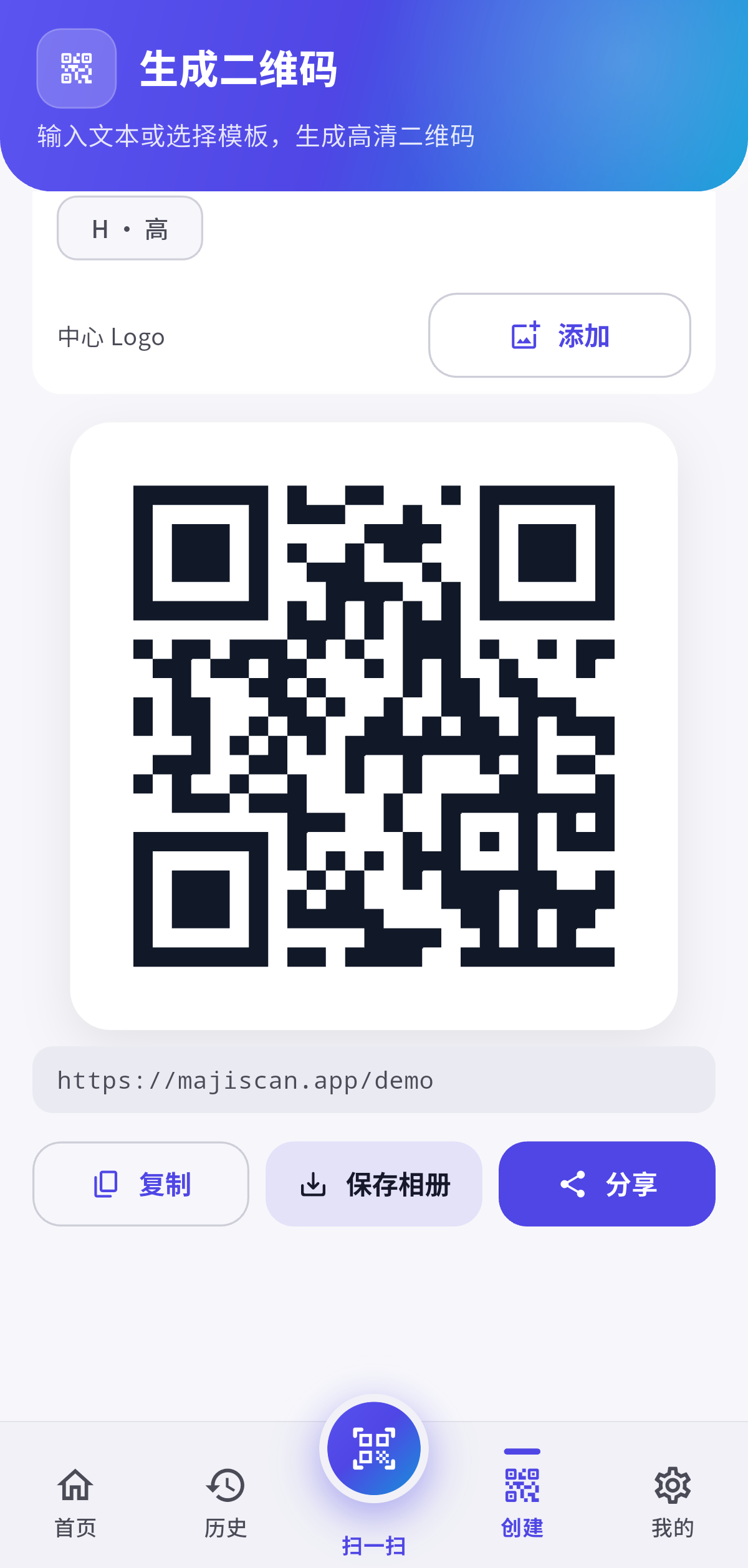
Nine templates cover links, text, Wi-Fi with a password, vCards, calendar events and more. Six foreground and background colours, four error correction levels, your own logo, batch conversion and save-to-gallery.

Text recognition (OCR)

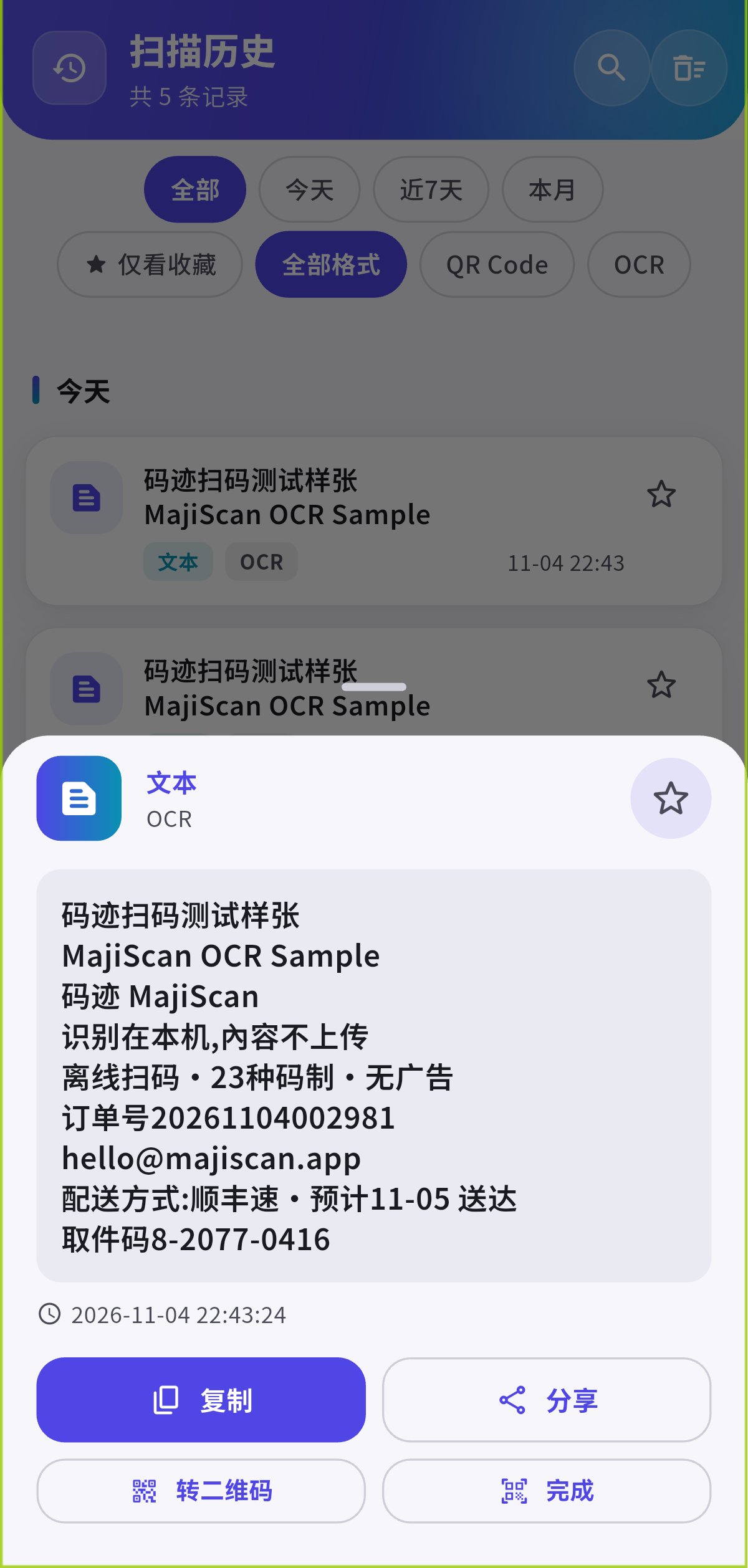
Aim at printed text or pick a photo from your library and pull the words out. The Chinese model ships inside the app and runs on the device, so it works offline. Copy it, share it, or turn it into a QR code.

History and backup

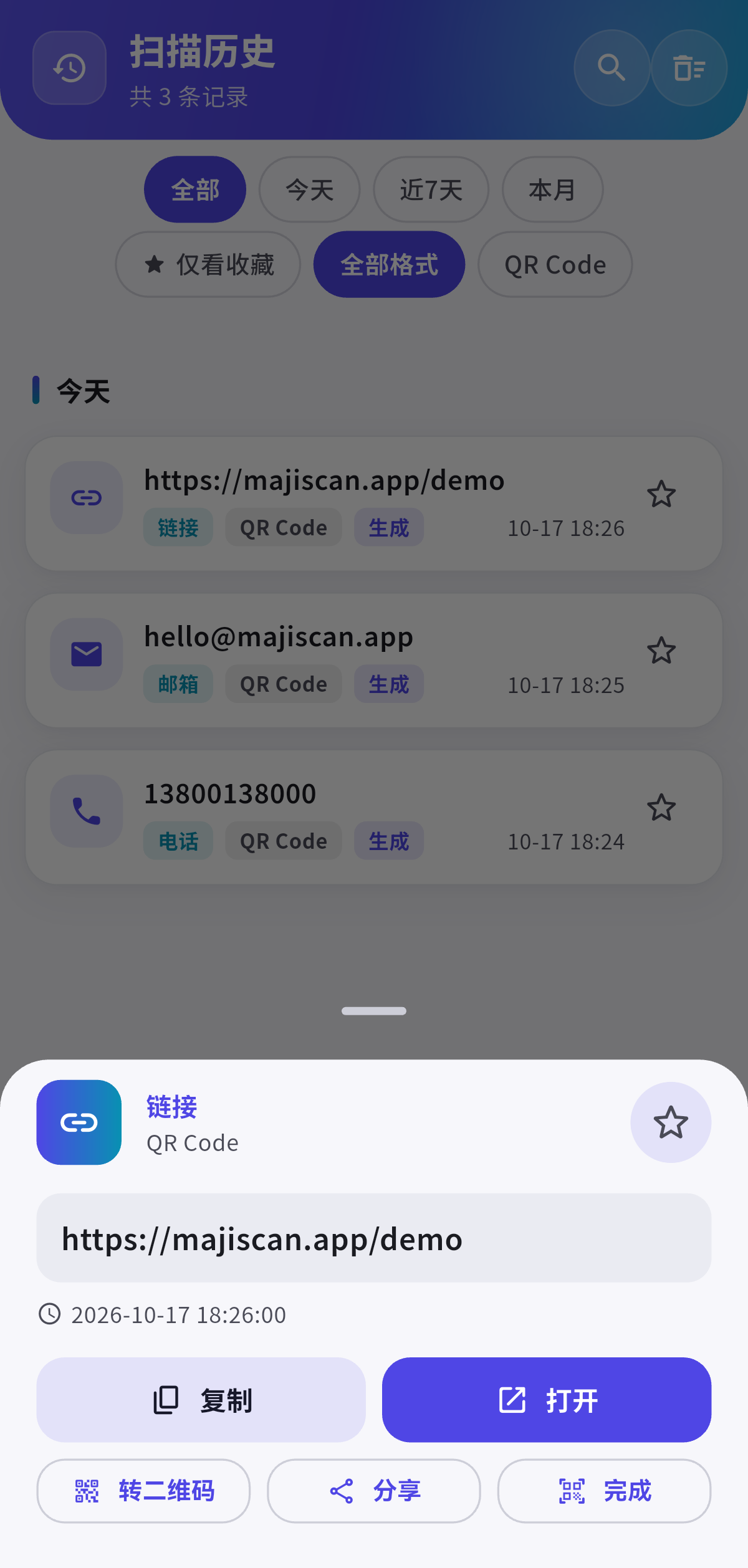
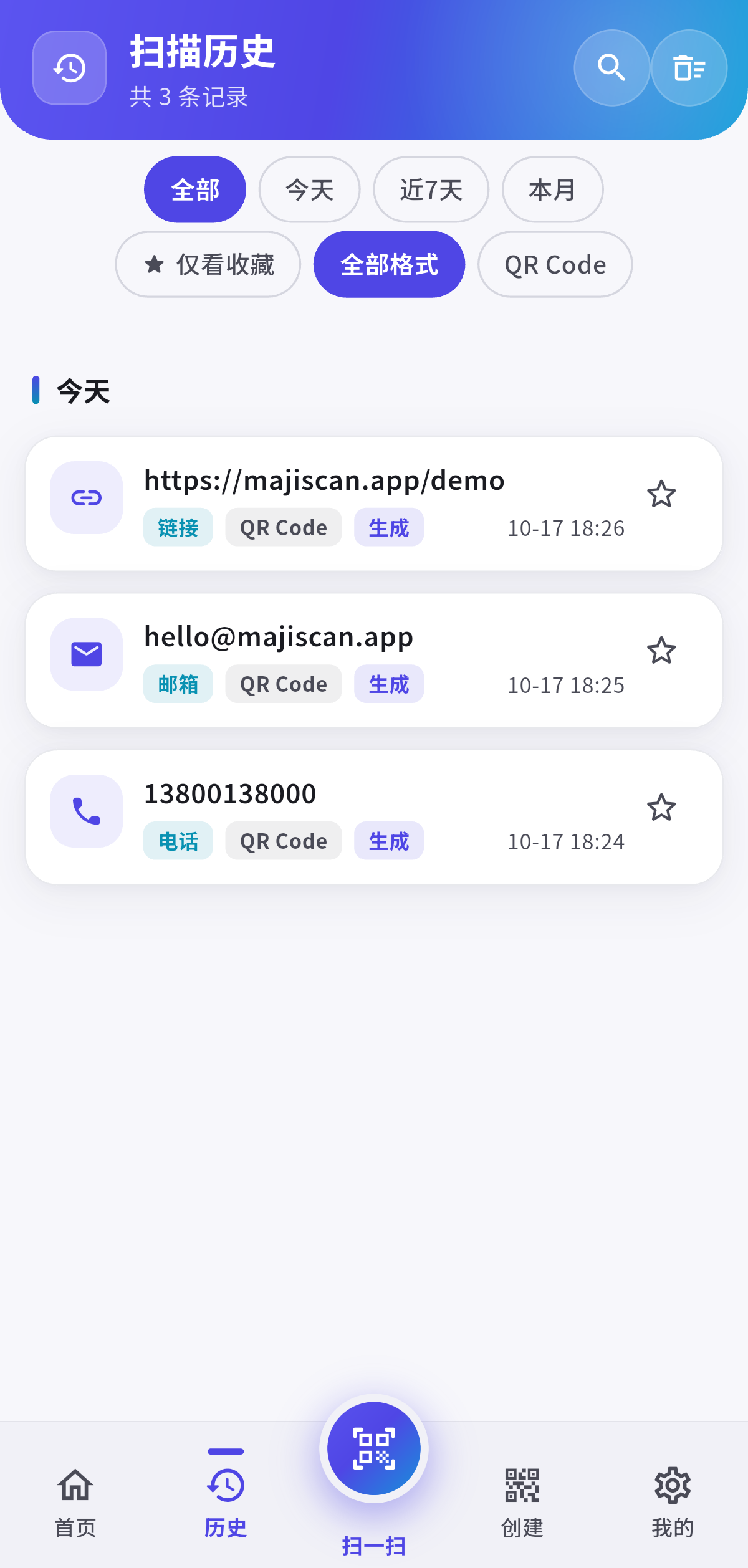
Scans are recorded automatically. Search them, filter by type, star the keepers. Export to CSV or JSON and import it back. Choose whether links open in the built-in browser, the system browser, or after asking you.

Privacy lock

Turn it on and opening history, the trash, recent-scan previews or exporting a backup all require fingerprint or Face ID. The lock re-arms itself whenever the app goes to the background.

Symbologies

23 symbologies, including the awkward ones

The live engine covers 14 mainstream formats. Micro QR, rMQR, MaxiCode, the GS1 DataBar family, Micro PDF417, Telepen and DX Film Edge are picked up by the second on-device engine in “Precision scan” mode.

Engine coverage

Counted by symbologies each engine can actually read

Live engine 14
Added by precision 9
Total 23

Live scanning runs the fast engine only, to keep the preview smooth. Precision mode is opt-in because it hands the camera to the second engine frame by frame — slower, but far more complete.

Live engine · ML Kit Mainstream formats, every frame Precision · ZXing Adds the 9 rarer symbologies Result Parsed → copy / share / open if the live engine misses it
QR Code Micro QR rMQR Code 128 Code 39 Code 93 EAN-13 EAN-8 UPC-A UPC-E ITF ITF-2of5 Codabar Data Matrix DataBar DataBar Expanded DataBar Limited Aztec MaxiCode PDF417 Micro PDF417 Telepen DX Film Edge
Readable in live scanning (14) Needs “Precision scan” mode (9)
Privacy & safety

Decoded here, never uploaded

MajiScan has no account, no server of its own and no cloud sync. The scanning models, the OCR model and the interface fonts all ship inside the install package, so the app works offline the moment it is installed.

  • History, favourites and settings stay on your device
  • Privacy lock: fingerprint or Face ID for history, trash and exports
  • No ads, no in-app purchases, no cross-app tracking
  • Dark mode, English and 简体中文

Where the data goes: nowhere

Your phone · the whole loop stays in here Capture Camera frame Decode locally ML Kit · ZXing Parse Links · cards · waybills Output Copy · share · open The only outgoing request: Google ML Kit anonymous diagnostics No images, no code contents, no recognition results

One honest caveat: the barcode and text recognition models are bundled in the app, so images and decoded results are never sent to any server. However, the Google ML Kit SDK itself transmits anonymous technical data over HTTPS for diagnostics and abuse prevention (device identifier, SDK and app versions, and similar), and Google offers no switch to disable it. That is the only network request the app makes on its own. The full list is in the Privacy Policy.

Inside the app

Open it and start scanning

The home screen puts the handful of actions you actually use on top; everything else is one layer down.

Home screen with history search, stats and shortcut tiles
Home
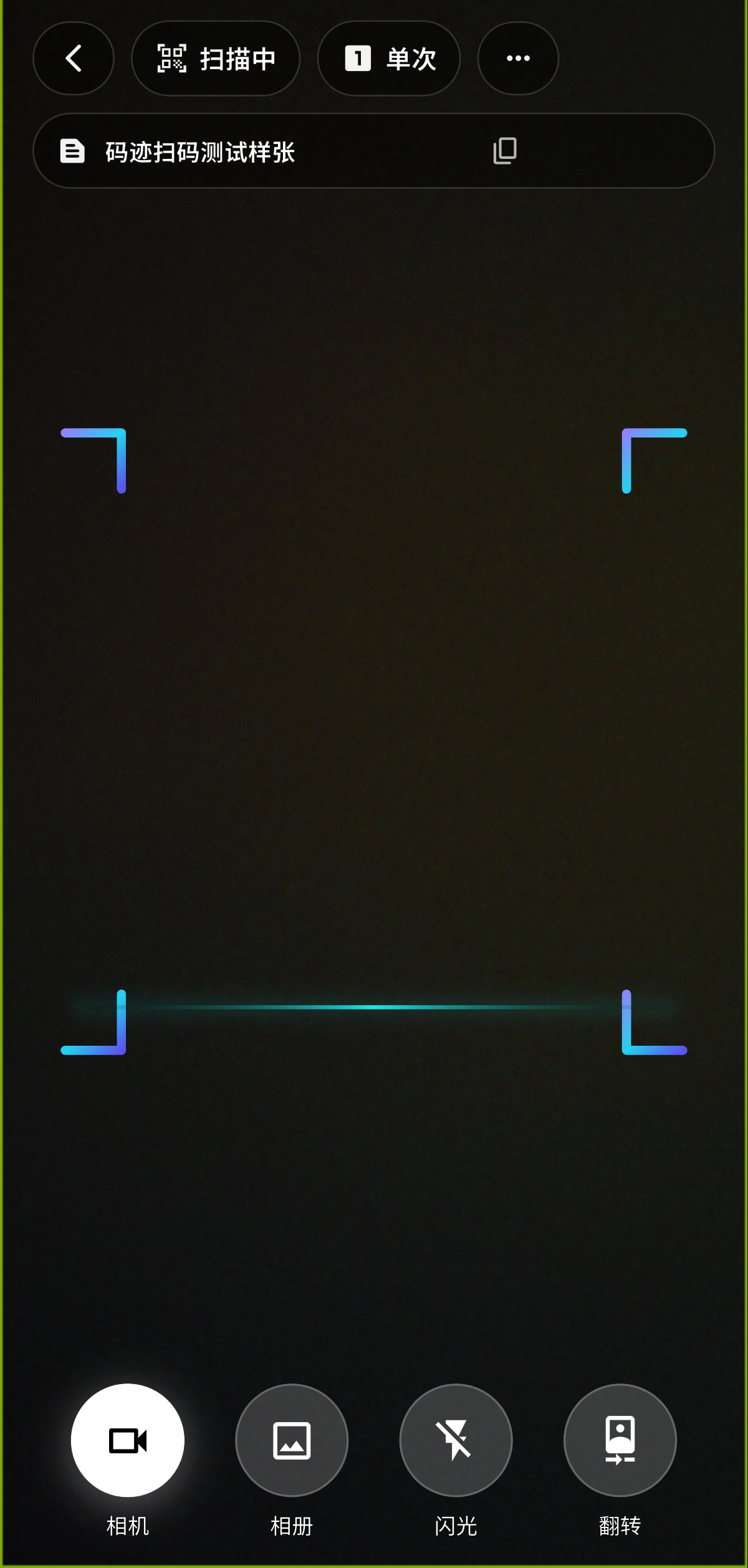
Live scanner viewfinder with the scan frame, continuous mode toggle and camera controls
Scan
Result screen showing the detected content type and ready-to-use actions
Scan result
Text recognition result with the recognised text, character and line count, plus copy and share
Text (OCR)
Scan history with search, type filters and favourites
History
QR code creation with template picker and style options
Create
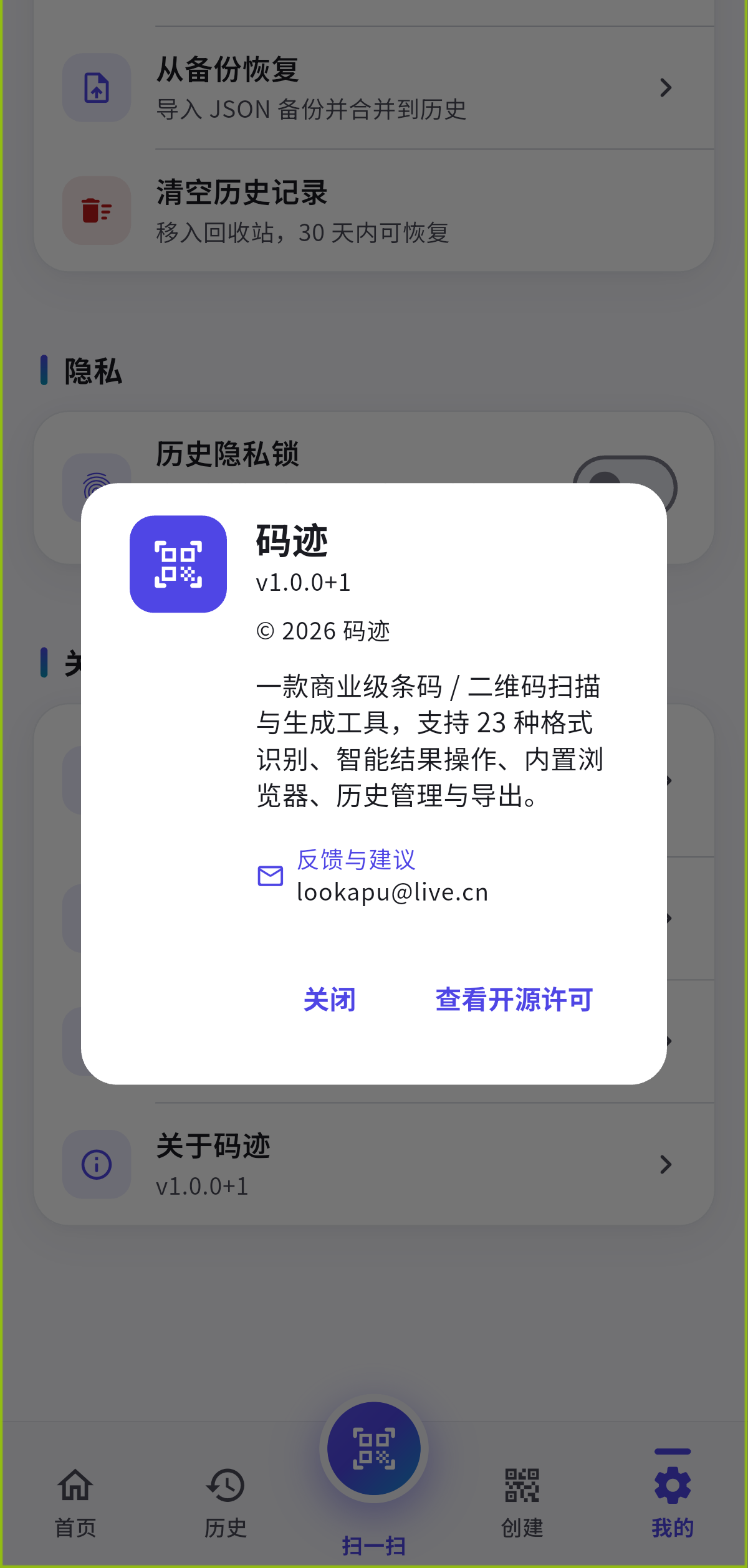
About MajiScan: app icon, version, copyright and the feedback email address
About
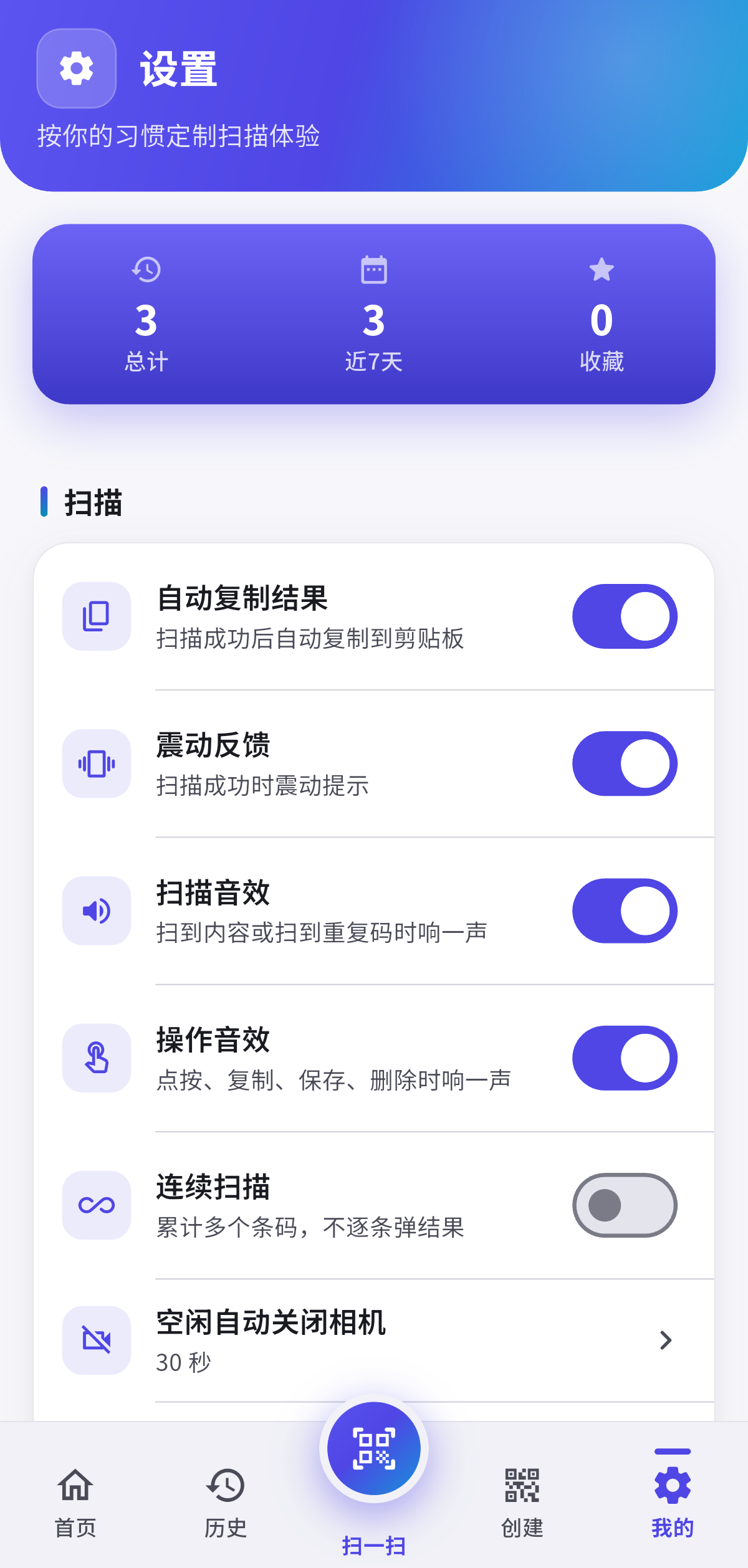
Settings screen with scanning preferences, privacy lock and about
Settings
Download

Free, no ads, no in-app purchases

Current version 1.0.0, package com.luoxh.scanapp. Check the store listings for the live status.

Android

Android 7.0 or later

Coming soon

Rolling out to Google Play and the Chinese app stores; this page will link out as soon as each listing goes live.

iPhone / iPad

iOS 15.5 or later

Coming soon

Universal app for iPhone and iPad, following the system dark mode.

Google Play

Free · no ads

Coming soon

Listed on Google Play as “MajiScan: QR & Barcode Scanner”.

Want to hear when it ships? Write to lookapu@live.cn and we will reply.

FAQ

The questions people actually ask

Does it need a network connection?
No. The scanning models, the OCR model and the interface fonts are bundled with the app, decoding happens on the device, and it works in airplane mode. There is no server of our own involved.
Is anything I scan uploaded?
No. Images and decoded results stay local. The one exception is the Google ML Kit SDK, which reports anonymous technical data for diagnostics and abuse prevention — no images, no code contents, and no switch to disable it. The full list is in the Privacy Policy.
Which formats are supported?
23 in total, listed in the “Symbologies” section above. Nine of the rarer ones (Micro QR, rMQR, MaxiCode, the GS1 DataBar family, Micro PDF417, Telepen and DX Film Edge) need “Precision scan” mode.
Are there ads or does it cost money?
Neither. MajiScan is free, contains no ads, has no in-app purchases and does no cross-app tracking.
Can I back up my scan history?
Yes. Export it as CSV or JSON, and import it back later. If the privacy lock is on, you will need to authenticate with fingerprint or Face ID before exporting.
What does the privacy lock do?
It requires fingerprint or Face ID before history, the trash, recent-scan previews or an export can be opened, and it re-arms automatically whenever the app goes to the background.